How Do I Find All the Places Where a Form or Field Token Is Used If I Have to Rename It?
Q: How do I find all the places where a Form or Field Token is used if I have to rename it?
A: You can use the References button in Database Fields.
Step 1: Click the Database Fields button at the bottom left of the Form Designer.
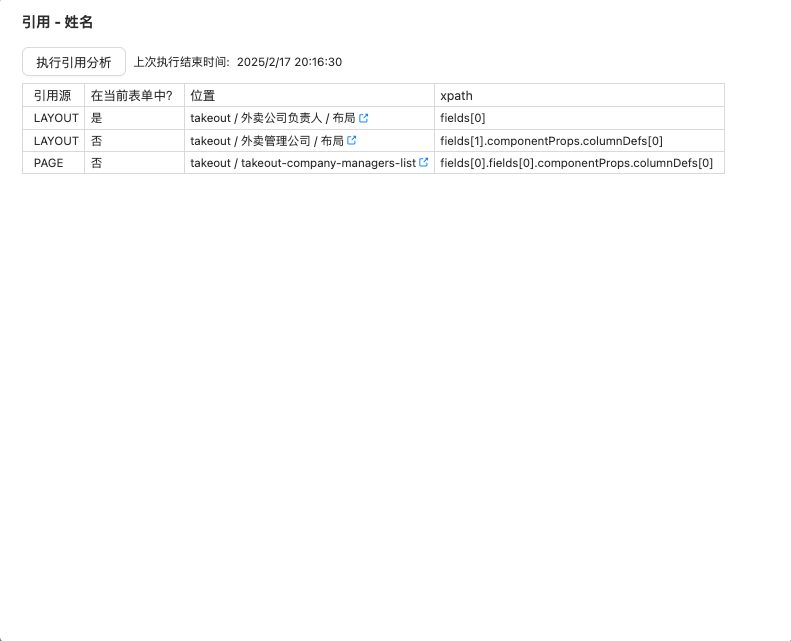
 Step 2: Click the references button next to the field.
 Step 3: If the reference records are empty, click the Perform Reference Analysis button.
If you have any questions about Ceta, please feel free to email us at Ask Ceta.