Document Generation
This function is used to export content related to the project and generate a Markdown file.
Steps for usage
On the basic information page of the project, click the Export button in the lower right corner and select Export Document.
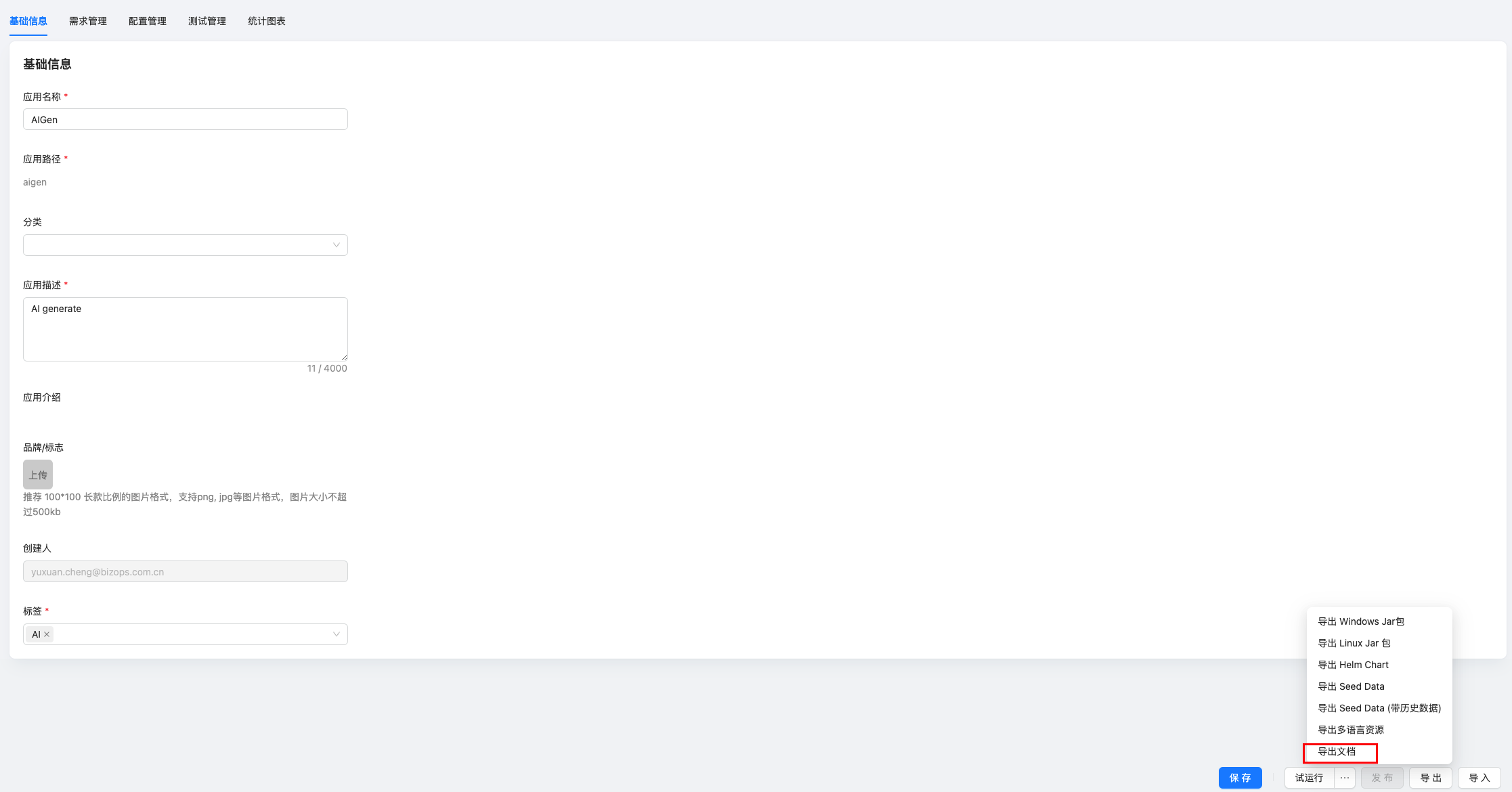
After clicking the button, select the document PBC that needs to be exported, and supports multiple selection.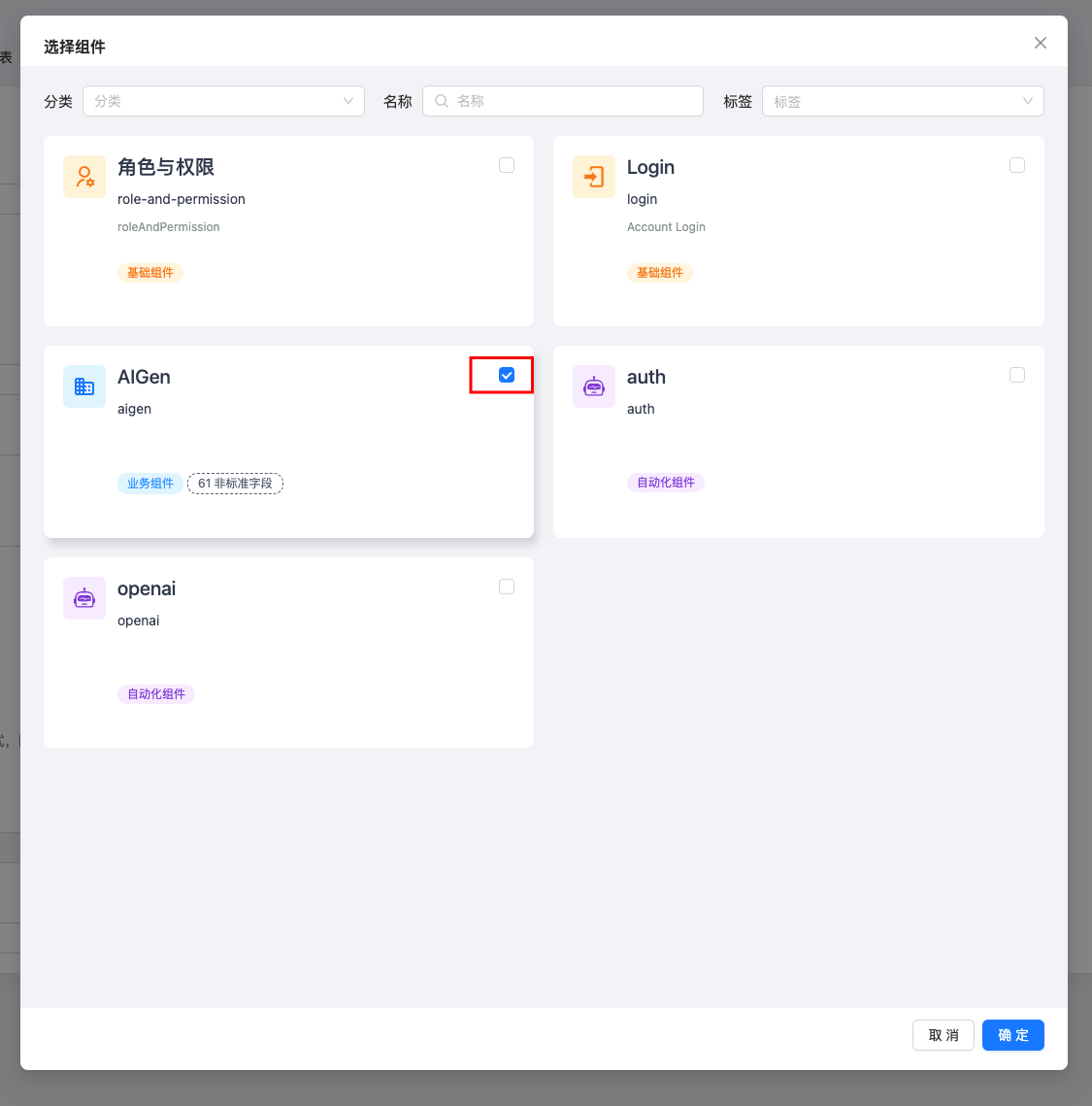
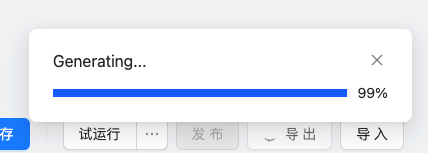
Wait for the progress bar to end.
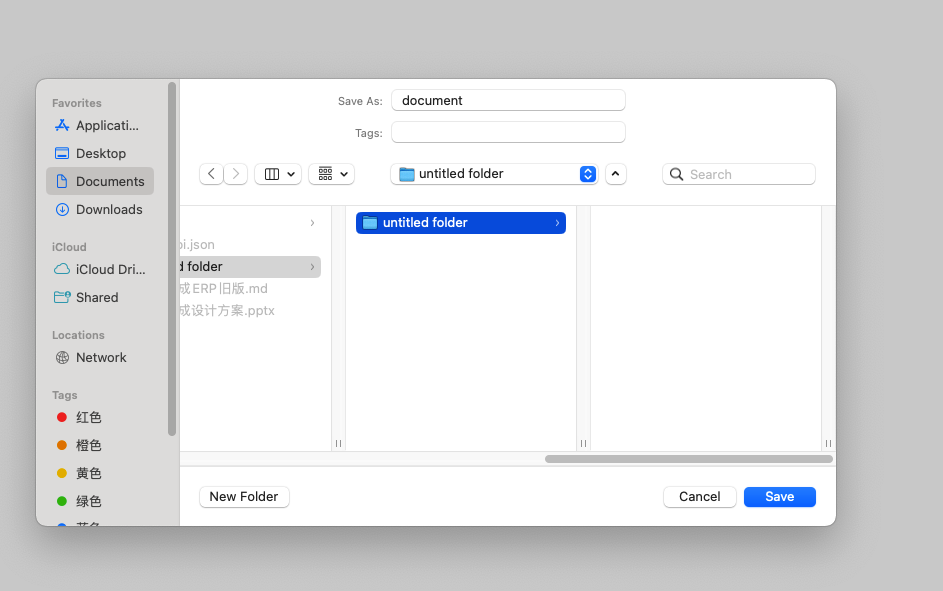
After the end, there will be a pop-up window, select the path to save the file to the local area.
Limitation
- Suggestions: Use MWeb for Mac and Obsidian for Windows
Some markdown editors with poor functions may report error files that are too large to open, etc.