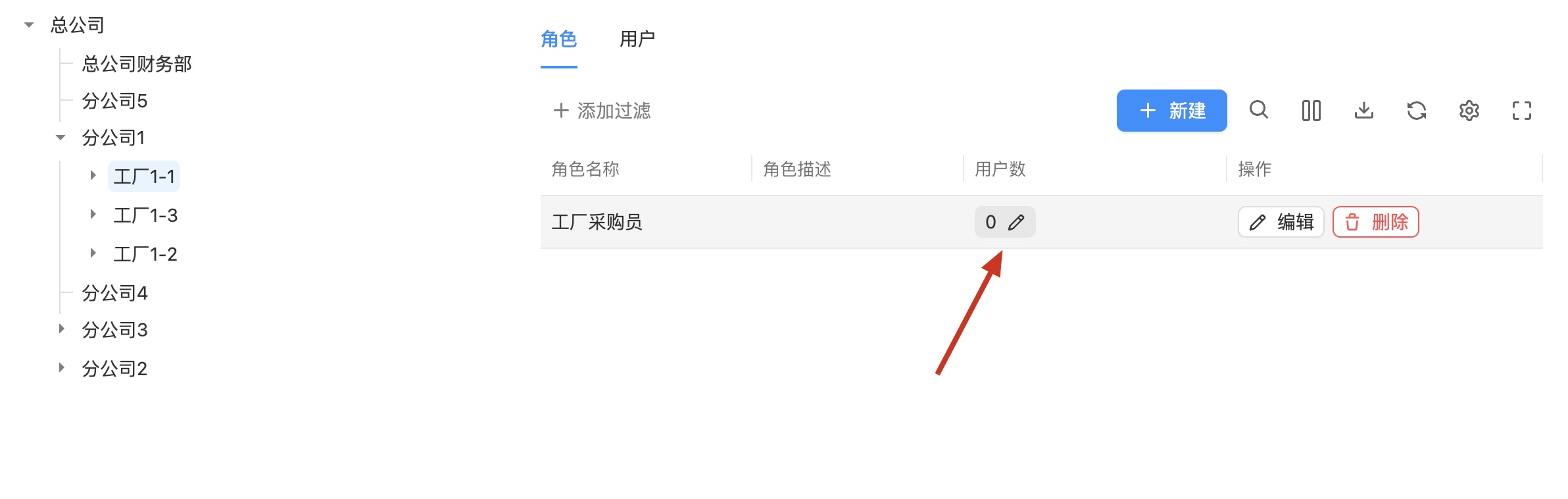
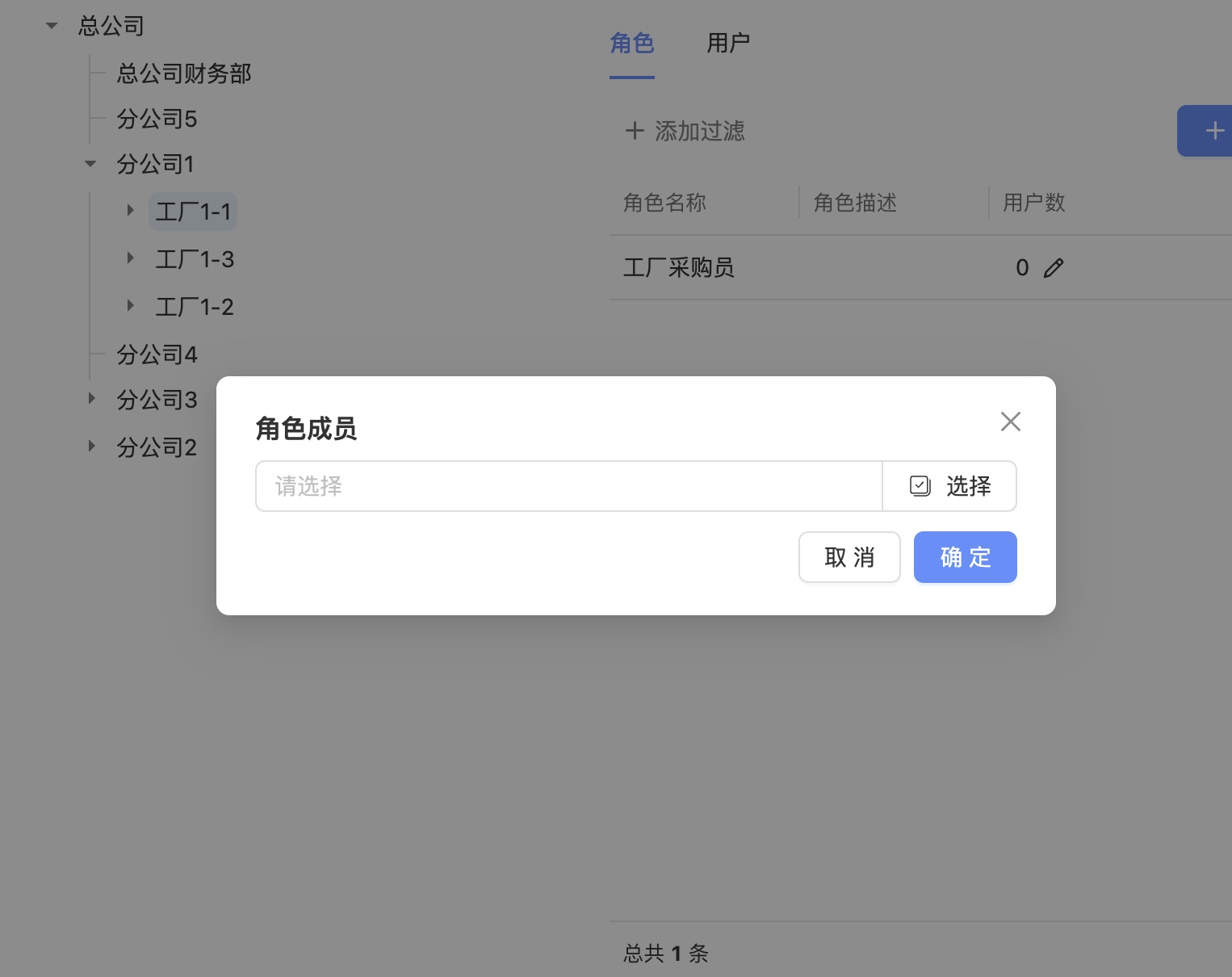
How to Build an Organizational Tree
An organizational tree is a tree-like structure where each department is represented by a different form. This document will introduce how to build an organizational tree.
1. Create an Organizational Tree Form
- After creating a new form, click the "Edit" button in the top-left corner to enter the form information editing page. Select the checkbox "Is it master data?" and choose the master data type as "Organization".
- Create a text field with the ID
nameto display the organization's name. (Required field) - Create an ACL or SELECT field with the ID
parentto select the parent organization. (Required field) - Add any additional personalized fields you need.
2. Create Organizational Tree Data
- Create a Page for each organizational level form and add it to the menu.
- In the Try-Run page, add data for each organizational form, starting from the highest level of the organization.
3. Create an Organizational Tree Page
-
Create a new Page (you can create it under any PBC with any page number), enter JSON mode, and add the following configuration. Save the page and add it to the application menu.
{
  "fields": [
    {
      "component": "OrgTree",
      "style": {
        "width": "100%",
        "height": "100%"
      }
    }
  ]
} -
Create a new Page named
role-members-schemaunder the same PBC (cannot cross PBCs, cannot change the page number). Configure the role member selection interface. The ACL column configuration for selecting personnel may vary across different projects. Example:{
"fields": [
{
"id": "roleMembers",
"component": "ACL",
"componentProps": {
"idListUrl": "/user-management/api/user/ids",
"dataUrl": "/user-management/api/user/lite/list-by-ids",
"useOriginValue": true,
"mapping": {
"value": "id",
"label": "nickName"
},
"multiple": true,
"unit": "people",
"columnDefs": [
{
"colId": "nickName",
"field": "nickName",
"headerName": "Name"
},
{
"colId": "username",
"field": "username",
"headerName": "Account"
},
{
"colId": "gender",
"field": "gender",
"headerName": "Gender"
}
]
}
}
]
}
Note: The data submission format must at least conform to { "roleMembers": [{ "id": number, ...other fields }, ...] }.
Example
1. Create Forms for Organizational Levels such as Corporation, Finance Department, Branch Company, Factory, Workshop, and Machine
Note: The root organization can only have one record (if the corporation is the root node, then there can only be one corporation record).
First, create a form for the corporation.
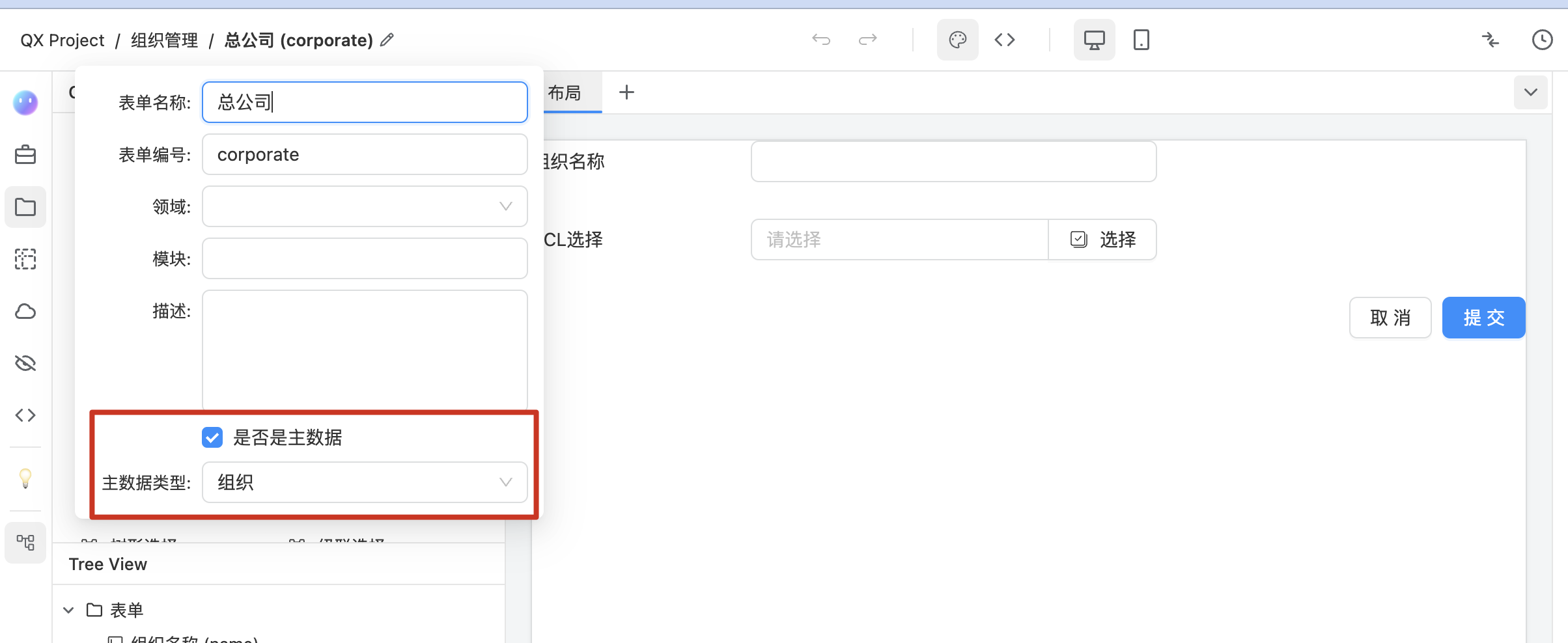
Then, create forms for the corporation's finance department, branch company, factory,

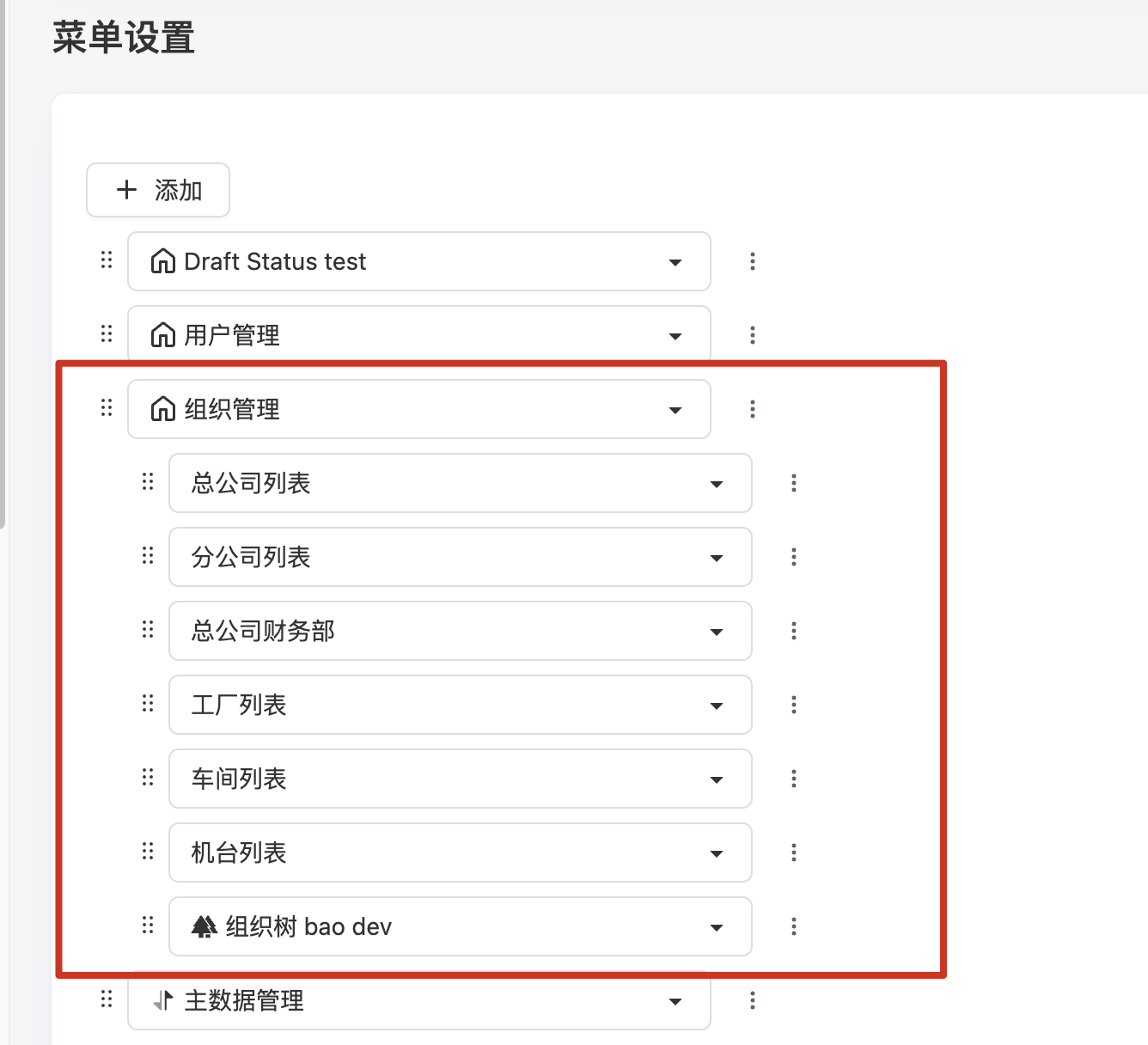
2. Create a Page for Each Organizational Level Form and Add It to the Menu
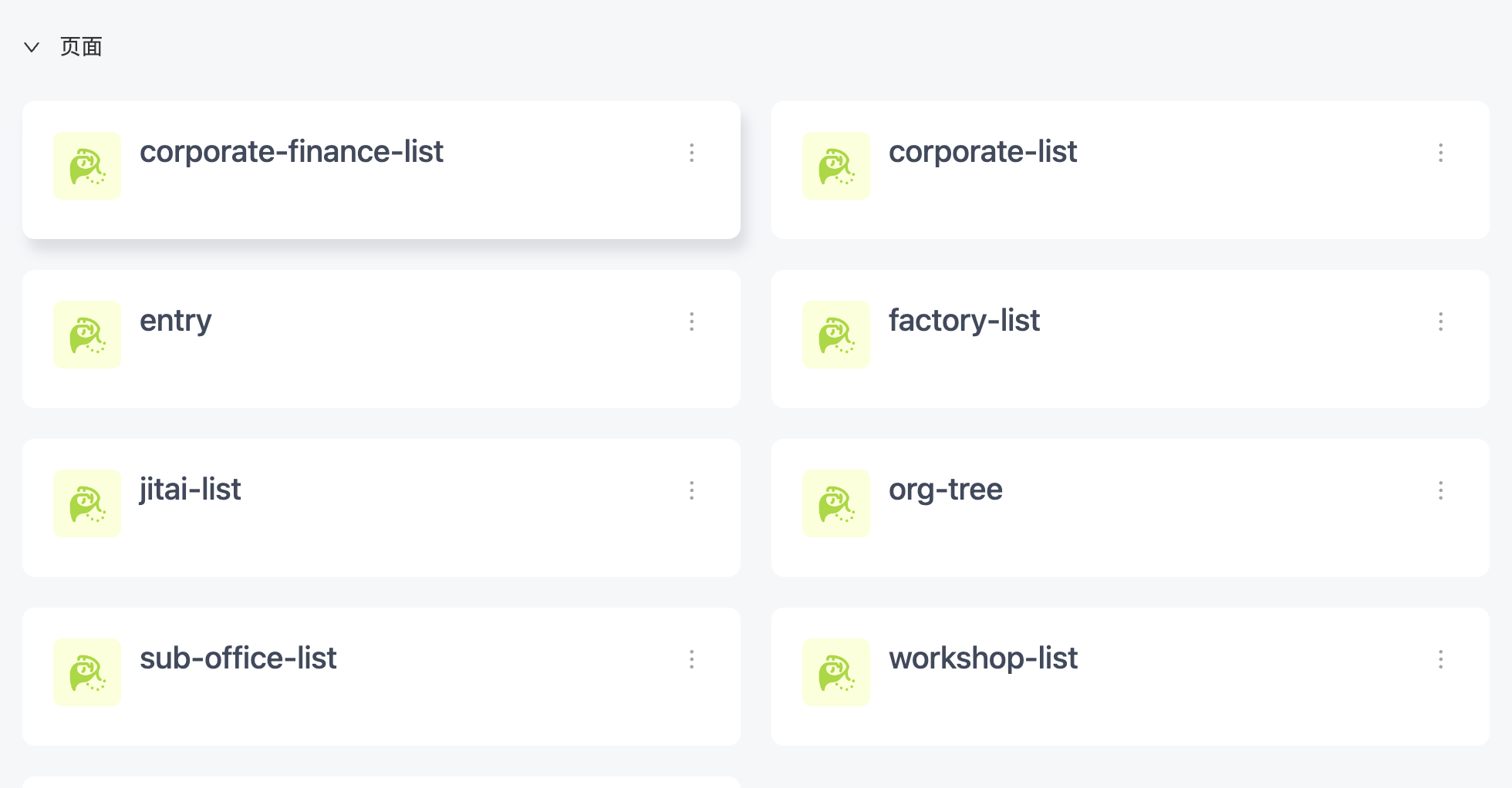
3. Add Data in the Try-Run Page
-
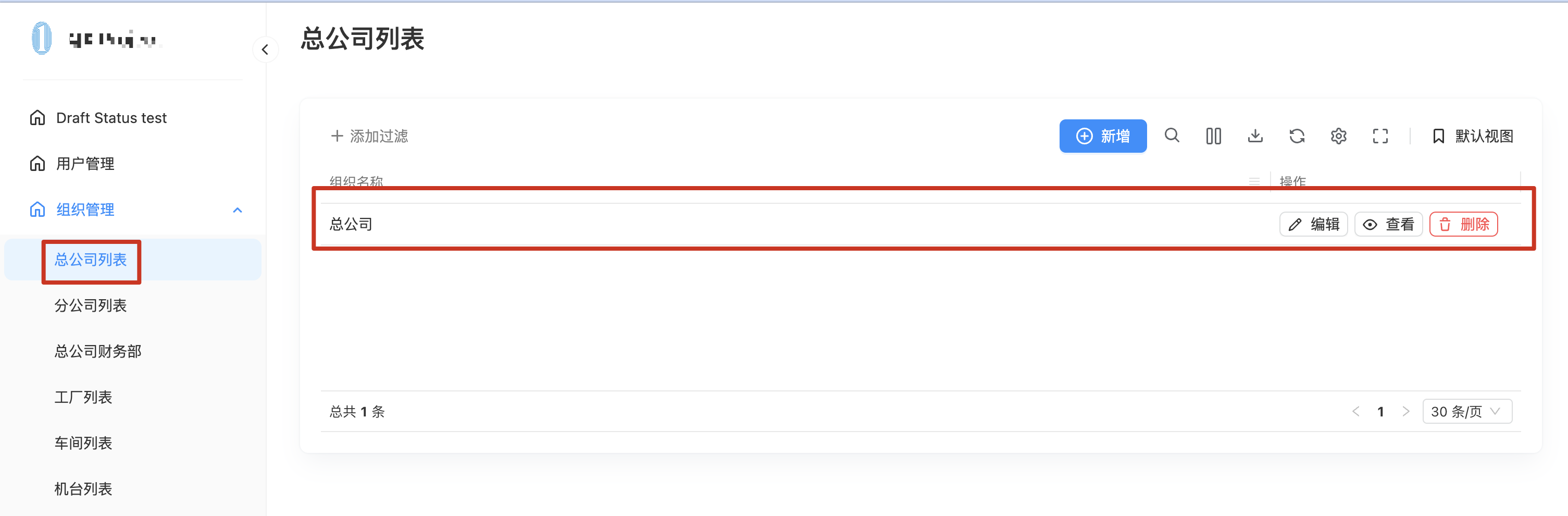
Add data for the corporation form.
-
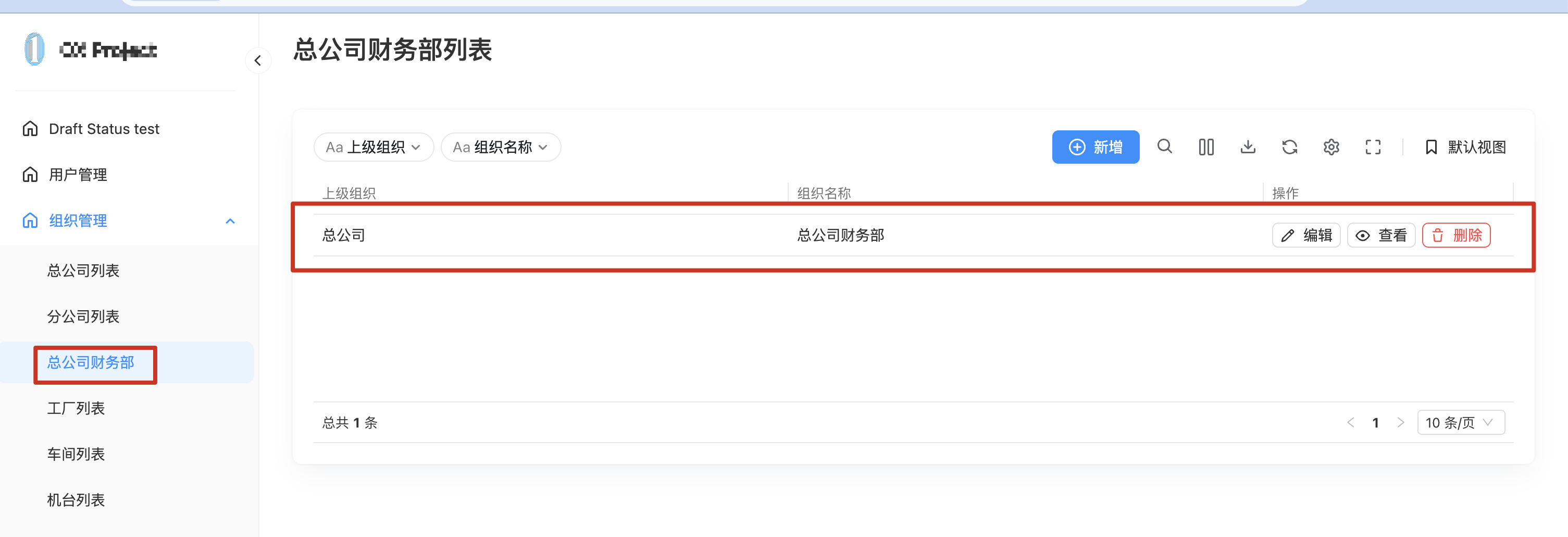
Add data for the corporation's finance department form.
-
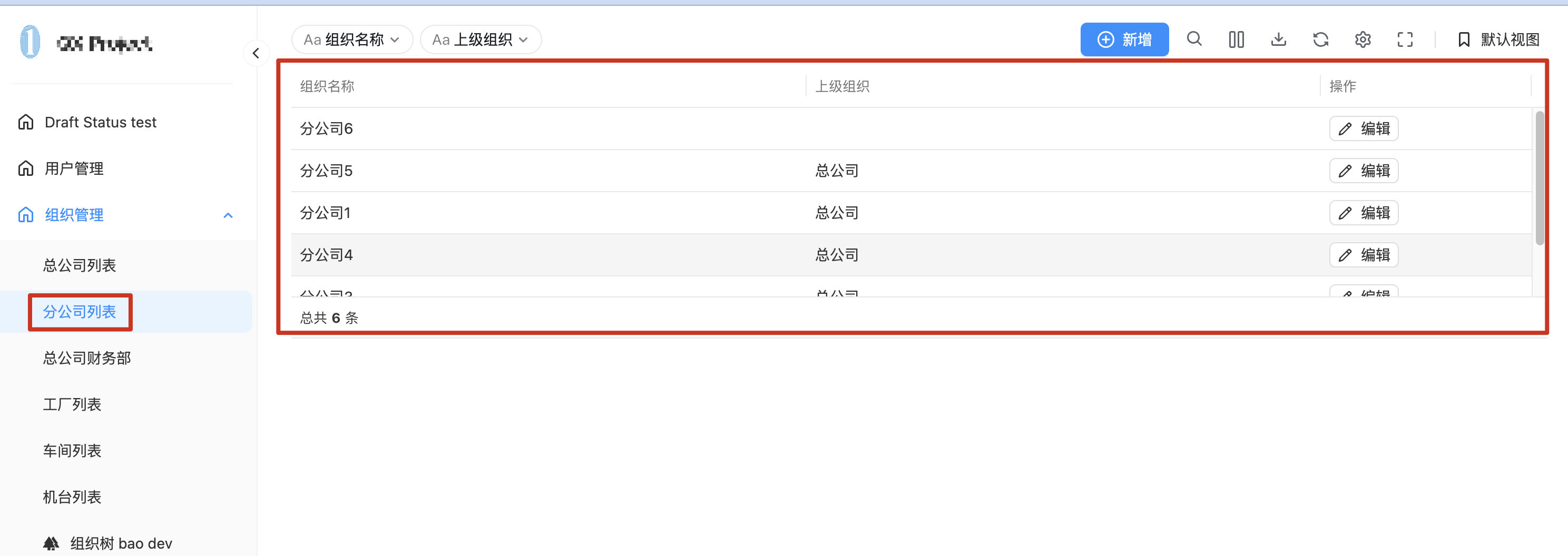
Add data for the branch company form.
-
Add data for the remaining organizational levels in sequence.
-
Add roles on the organizational tree page.
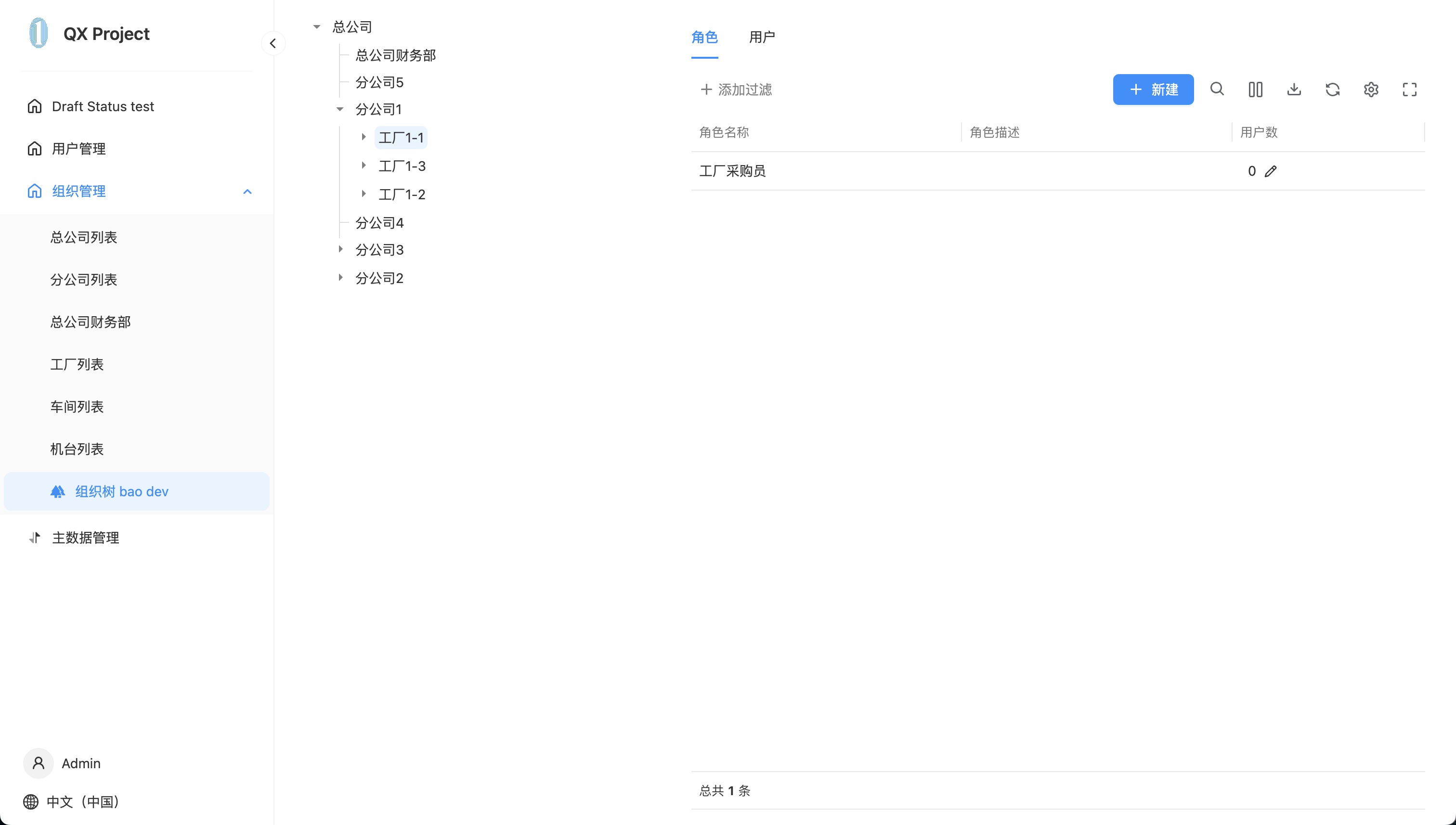
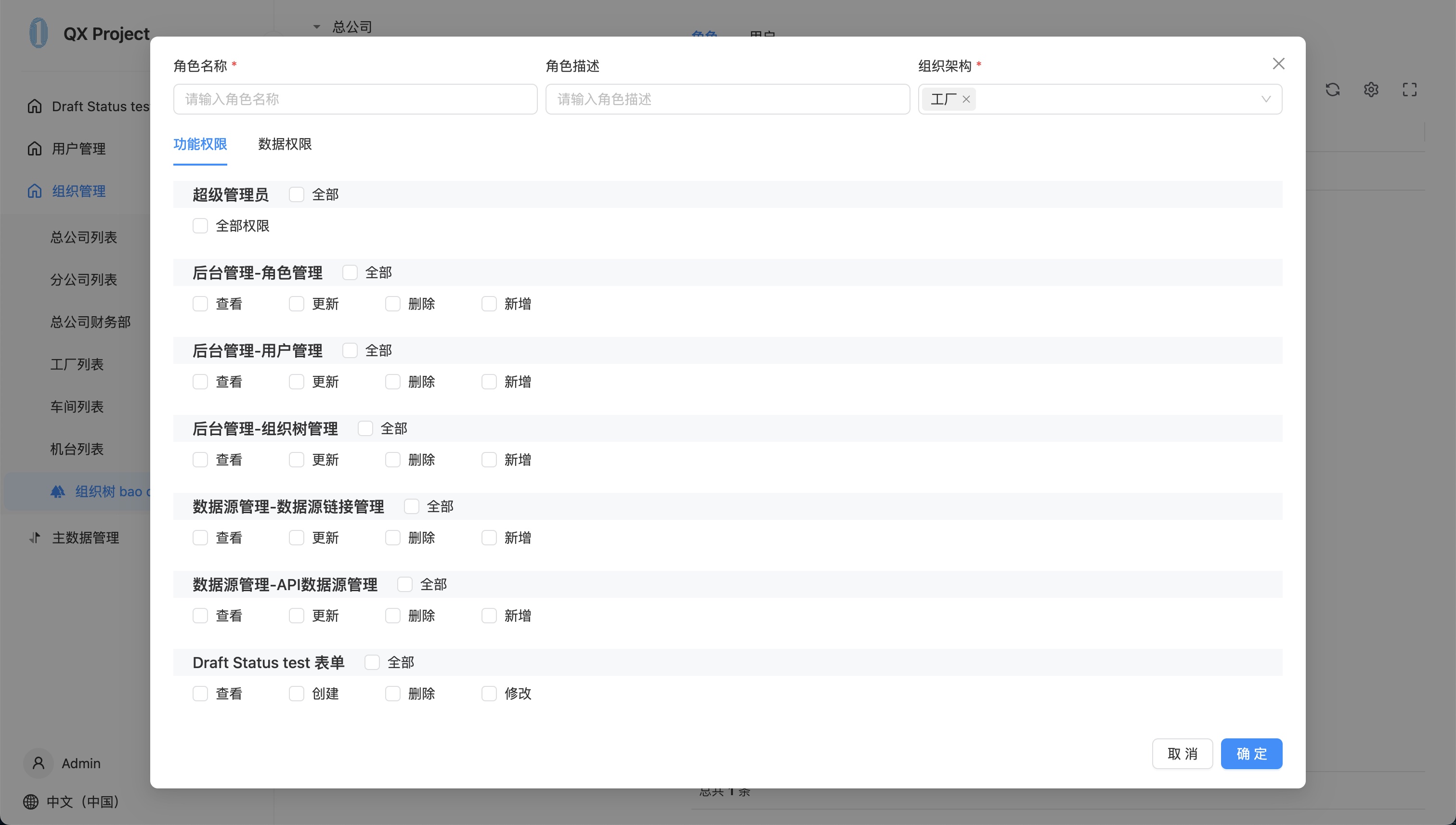
-
Add members to the roles on the organizational tree page.