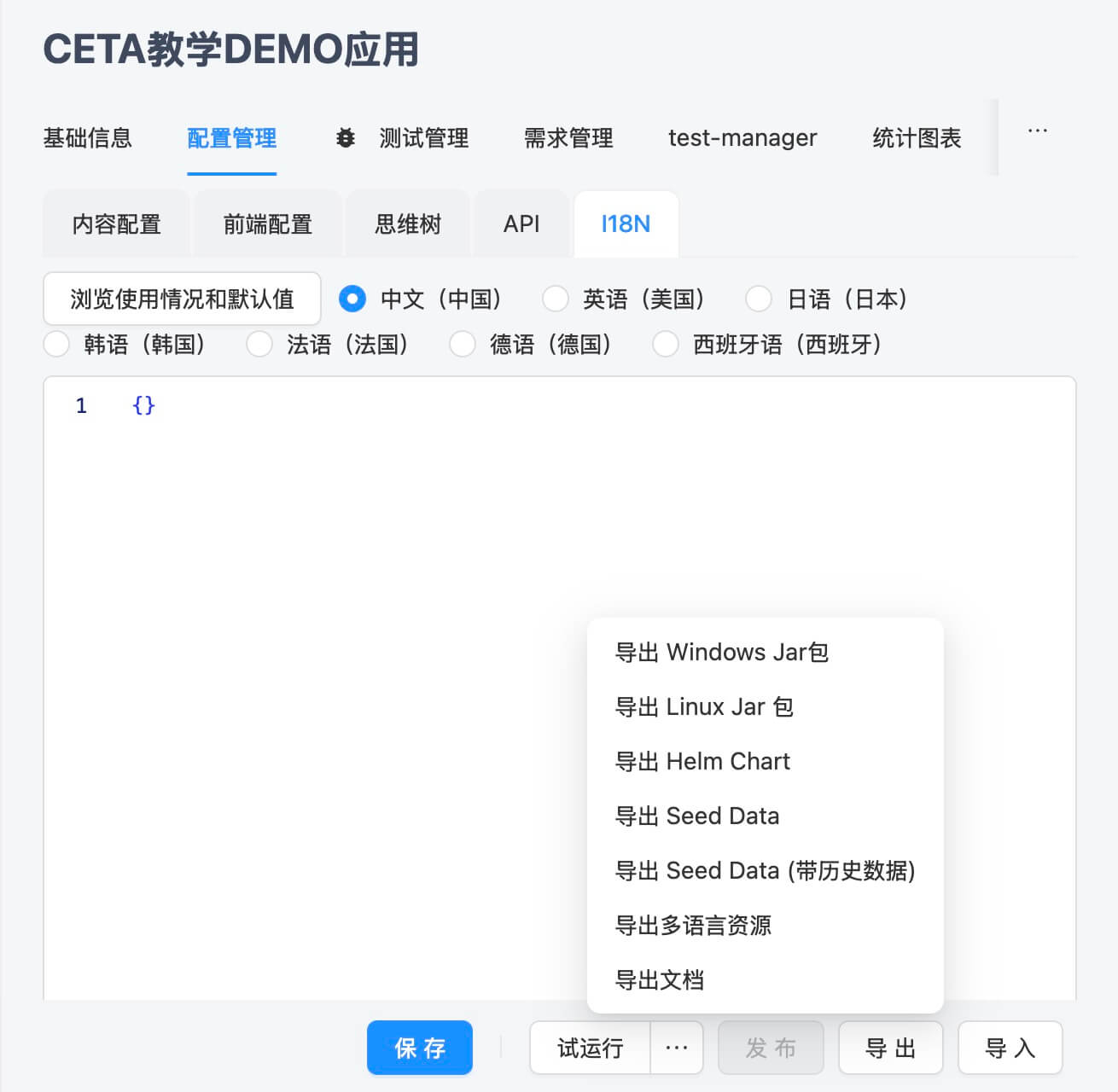
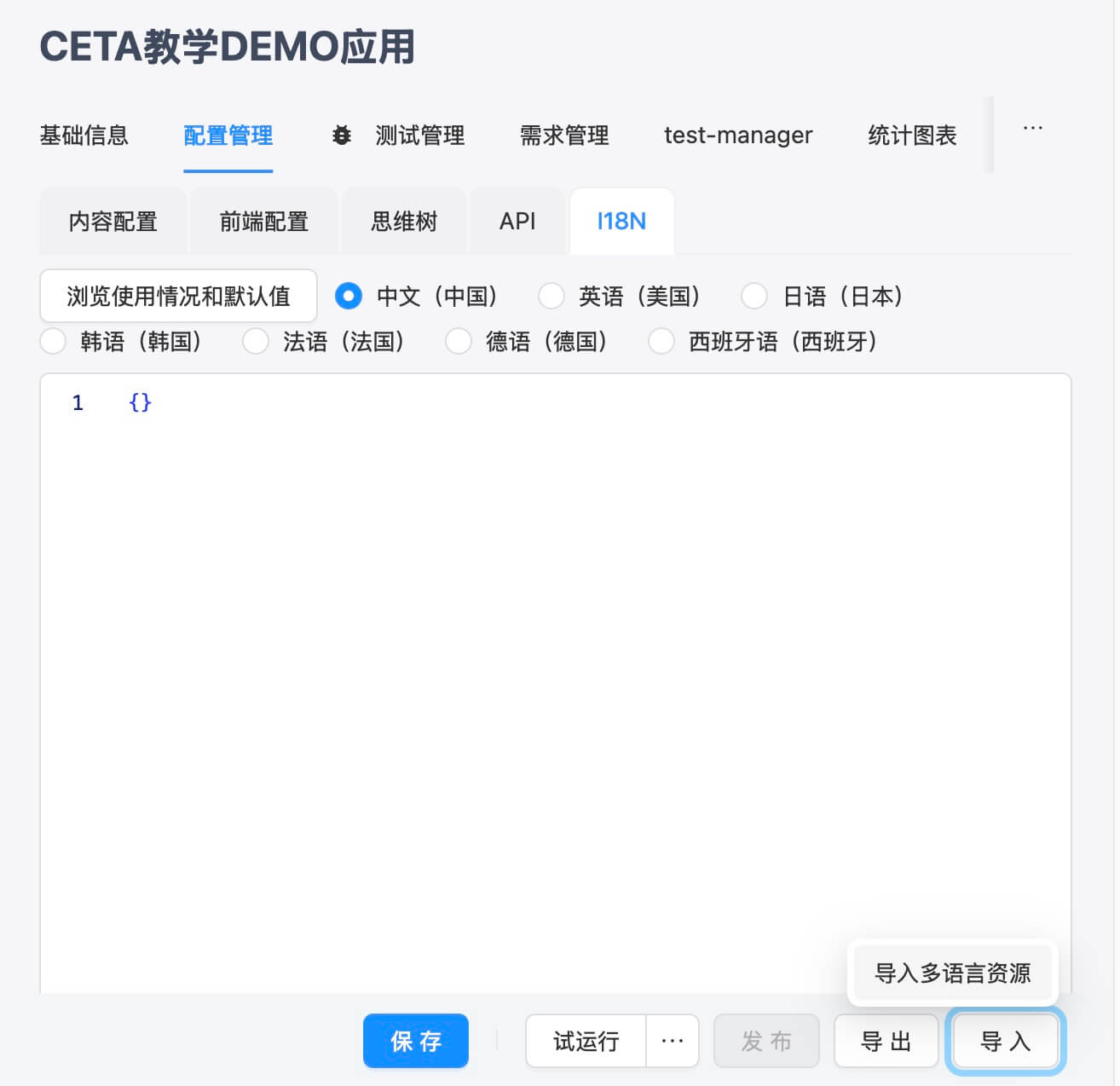
Other Multi-language Configurations
Uploading Translation Resource Files
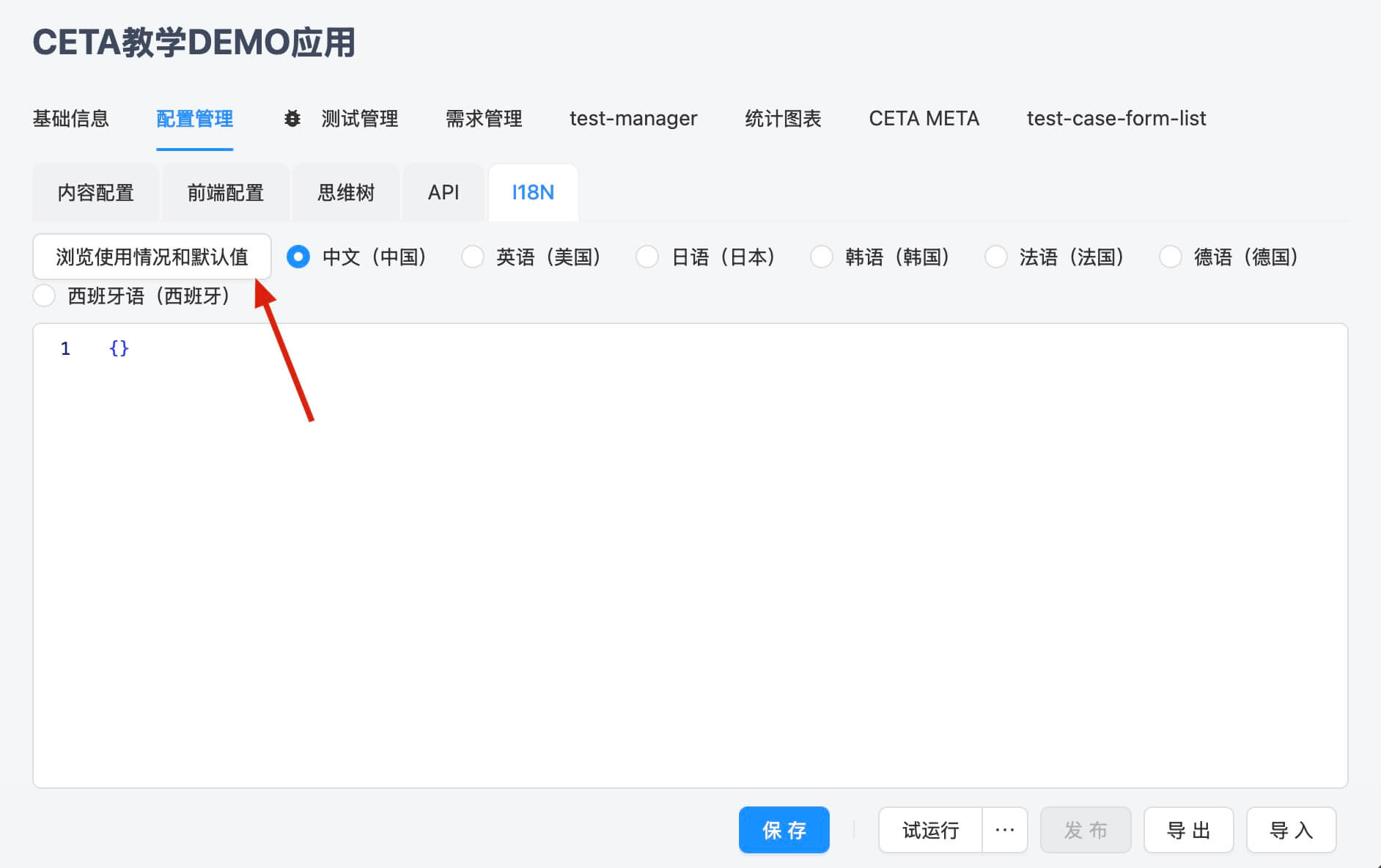
On the platform page: 应用 -> 配置管理 -> I18N page, you can view the content of the resource file for each language.
Click 浏览使用情况和默认值 to view all translation Keys and default values (original values) used in the project.
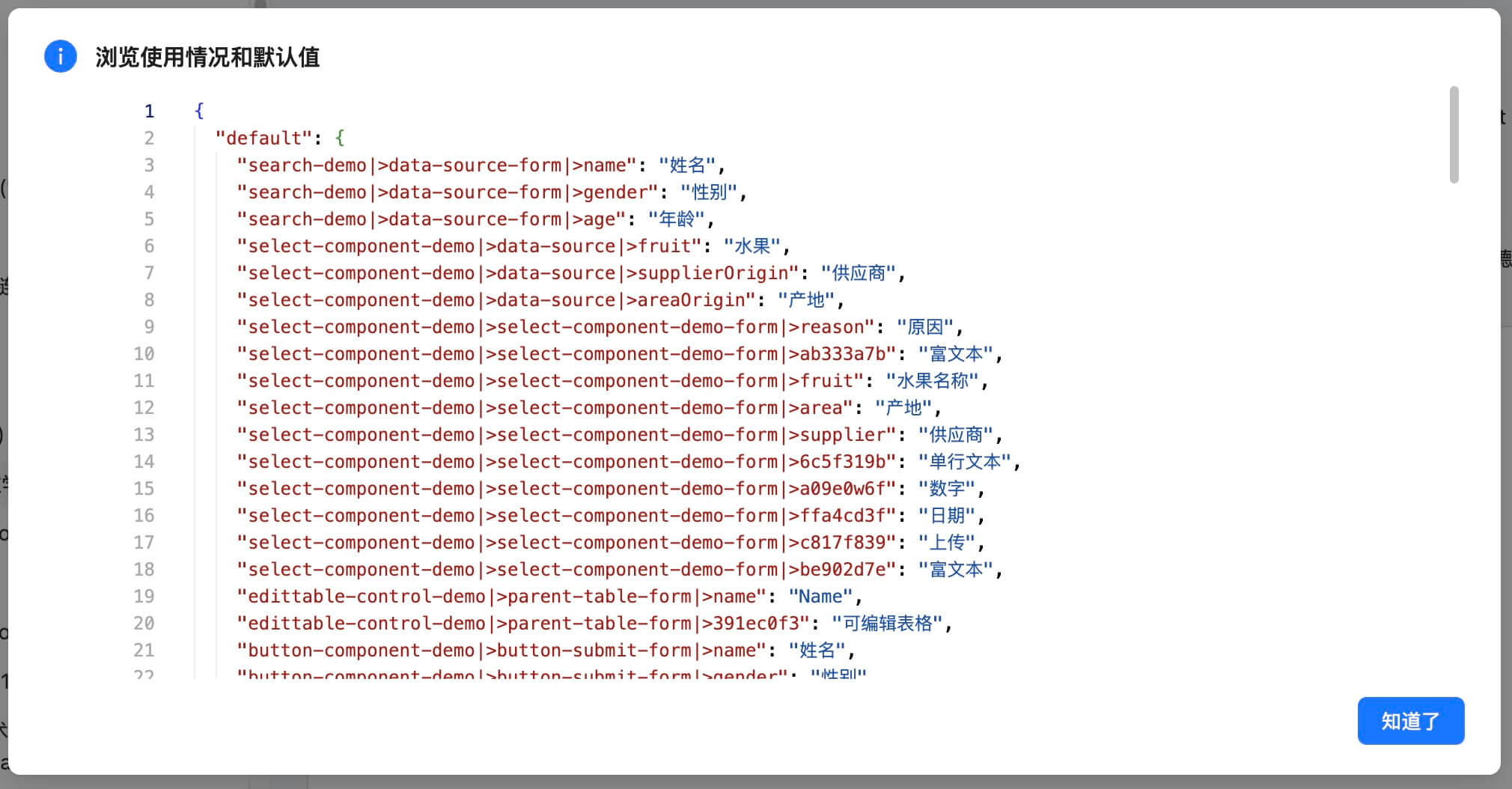
Export the multi-language resource package, where the file i18n keys used by field title.json is the same as 浏览使用情况和默认值.
After translation, click 导入 to upload, first selecting the language and then selecting the translated file for that language.