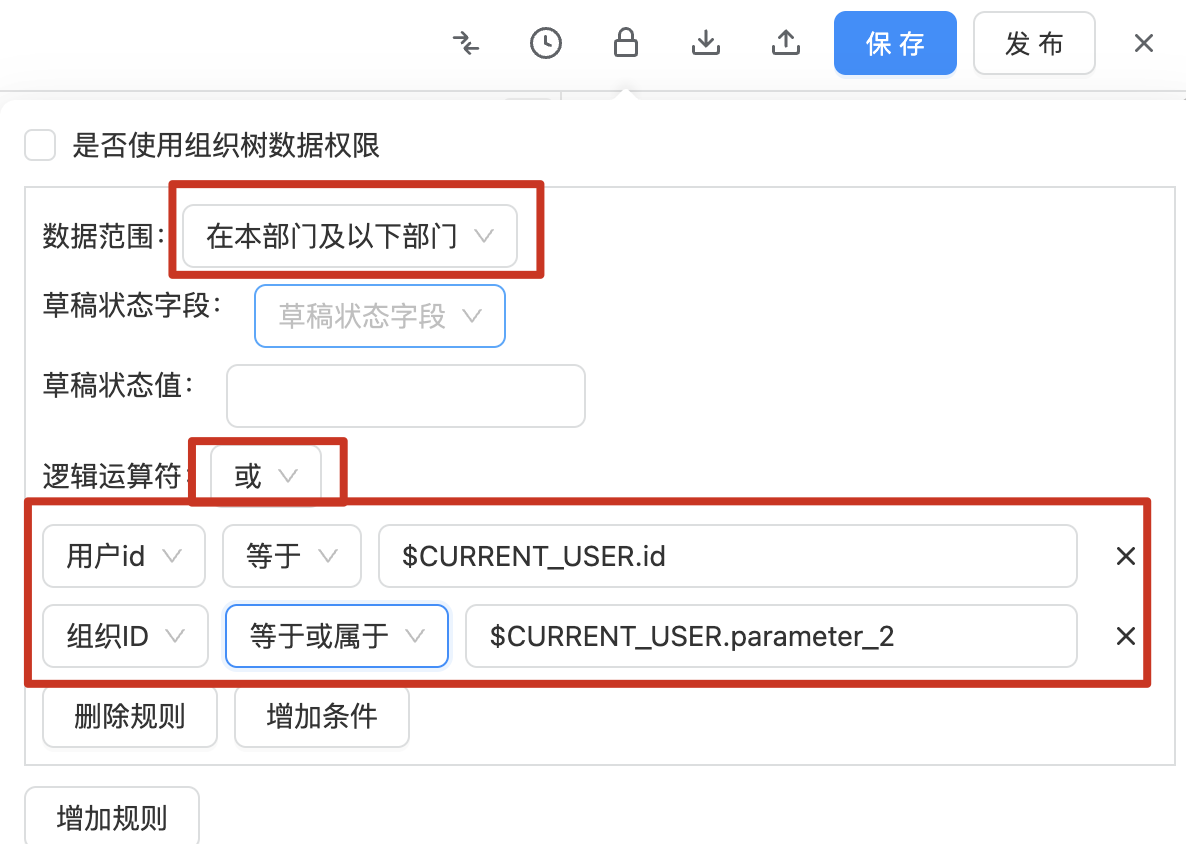
Manually Implementing Permissions for This Department and Subordinate Departments
1. Configure Permissions on Forms
1.1 Do Not Select "Use Organizational Tree Data Permissions"
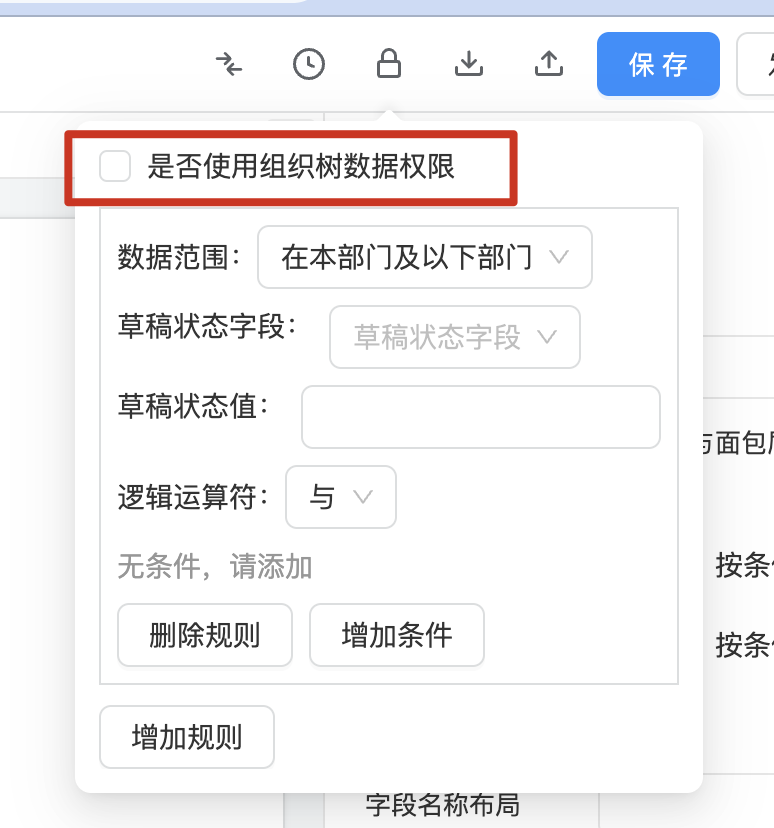
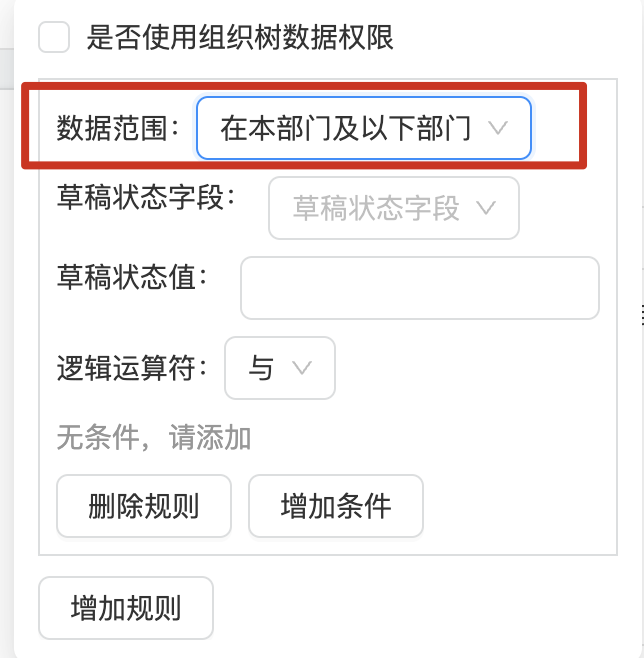
1.2 Select Data Scope as "This Department and Subordinate Departments"
1.3 Add Conditions
To implement permissions for this department and its subordinates, select "Equals or Belongs to" for the condition. Choose the organization field from the form and the department field from the personnel.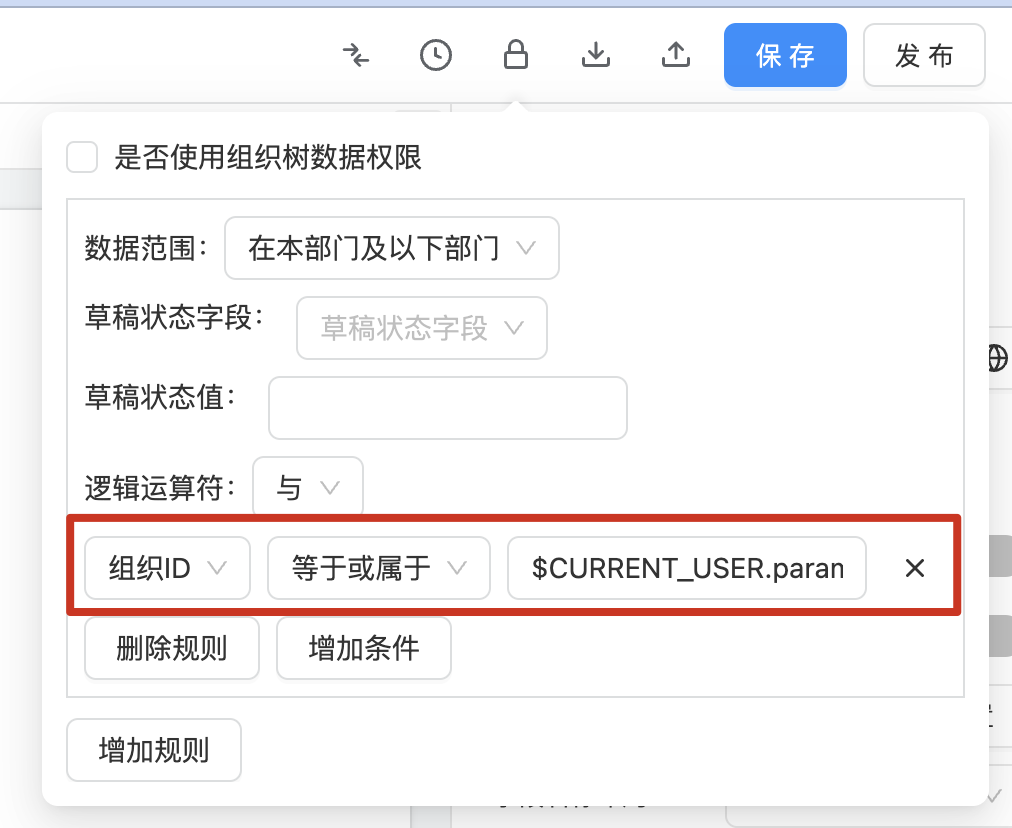
2. How to Implement Permissions for Yourself and Related Departments and Their Subordinates
- First, select the data scope as "This Department and Subordinate Departments".
- Choose the logical operator as "OR".
- Add a condition: Form User ID equals Target Personnel ID.
- Add a condition: Form Organization ID equals or belongs to Target Personnel's Related Organization ID.